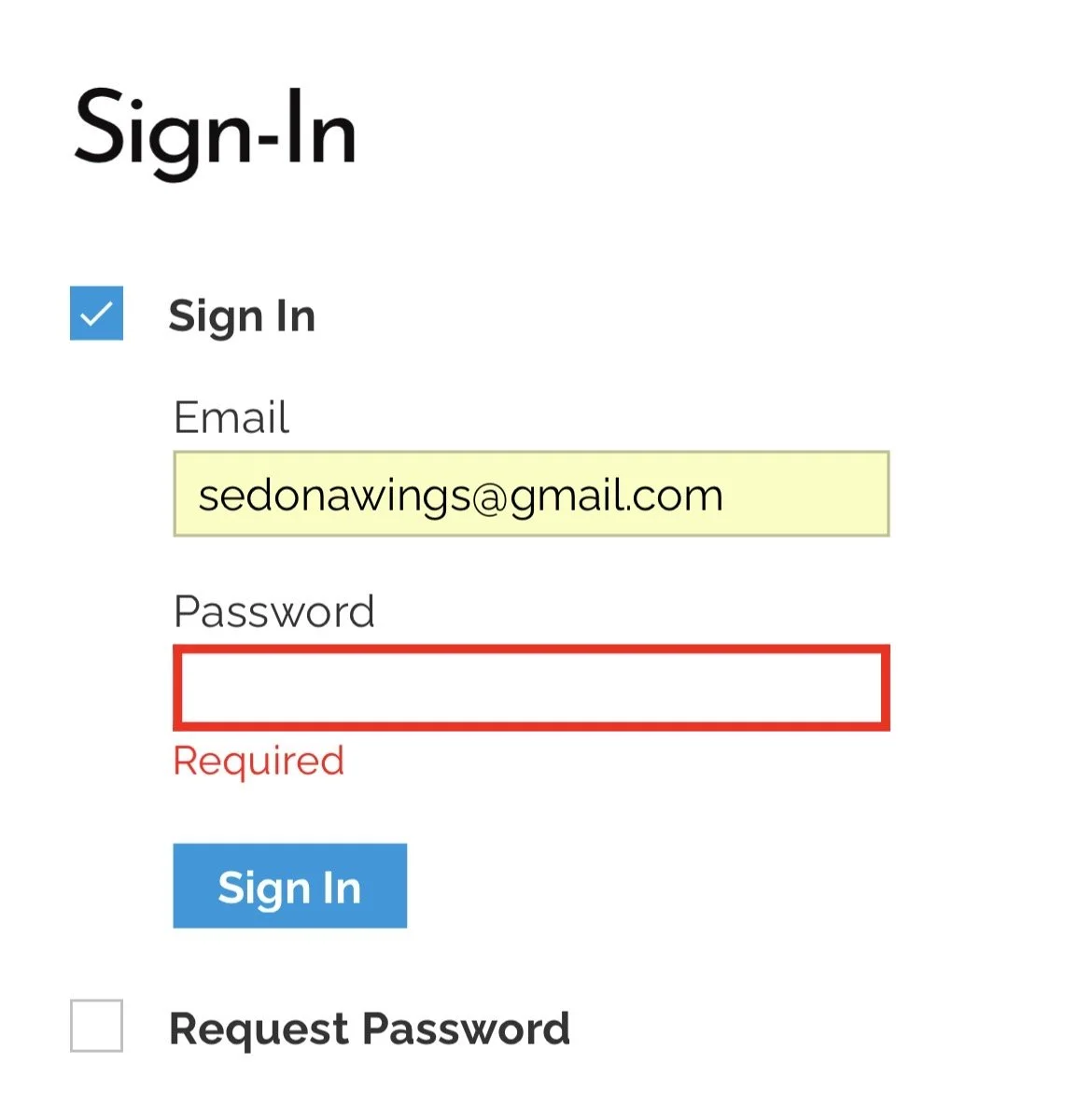
How to Request a Password
Type in your email address
Select “Request Password”
Step 1 -
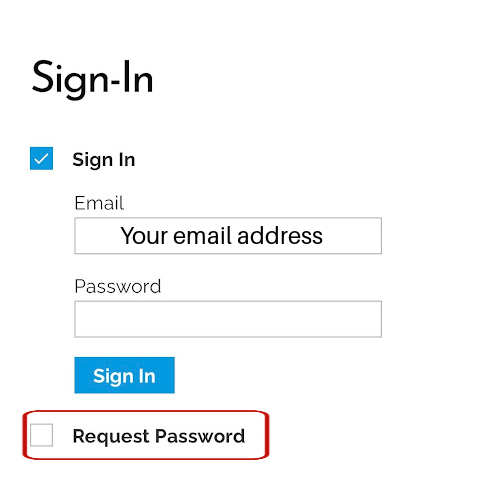
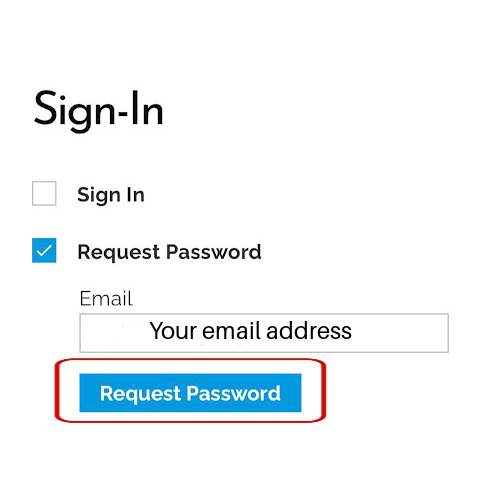
Select “Request Password’
Step 2 -
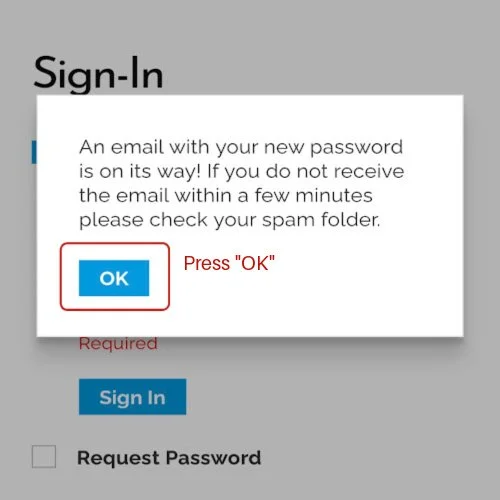
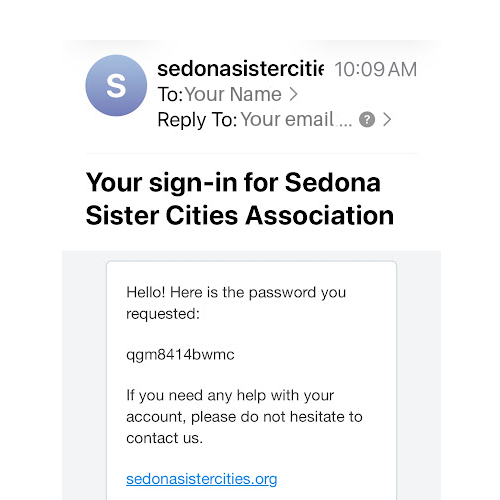
Press Ok and go to your email account.
Step 3 -
Use this password to:
Renew your membership
Edit your profile
Change your password to one that is easier for you to remember.
View your history
Step 4 -
You will see “Password” outlined in red if you return to the website immediately after receiving your email.
You can enter it or choose to leave the page or website.
Step 5 -